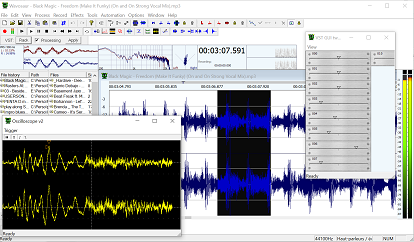
How to use remove noise with Wavosaur and ReaFIR

To perform noise removal in Wavosaur, load the ReaFIR VST plugin, you can find it here : http://reaper.fm/files/reaplugs.zip
Extract the plugins dll in your plugins folder (or anywhere you want).
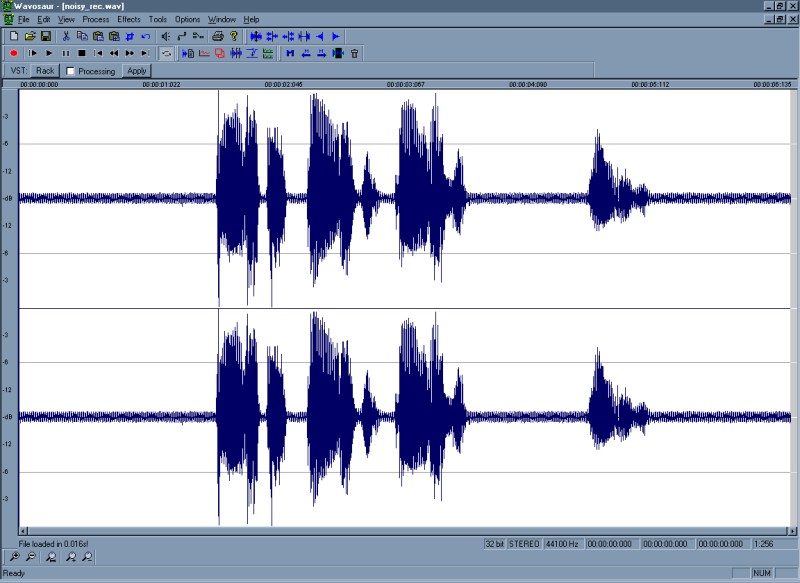


Noisy sample

1.

Load the sound file you want to clean.
Click on the rack button to open the VST rack, click load and load reafir_standalone.dll.


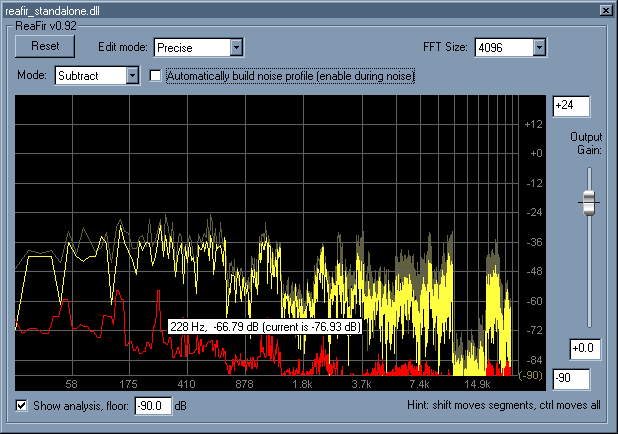
Substracting mode ReaFIR

2.

Click view on the VST rack to show the VST interface.
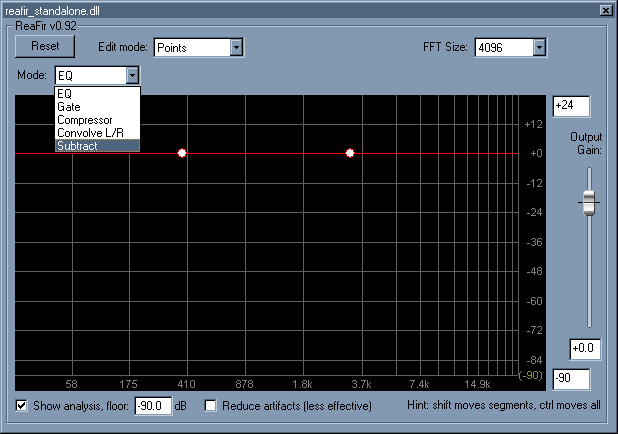
Select "substract" mode in the plugin dropdown list.


Noise selection in ReaFIR

3.

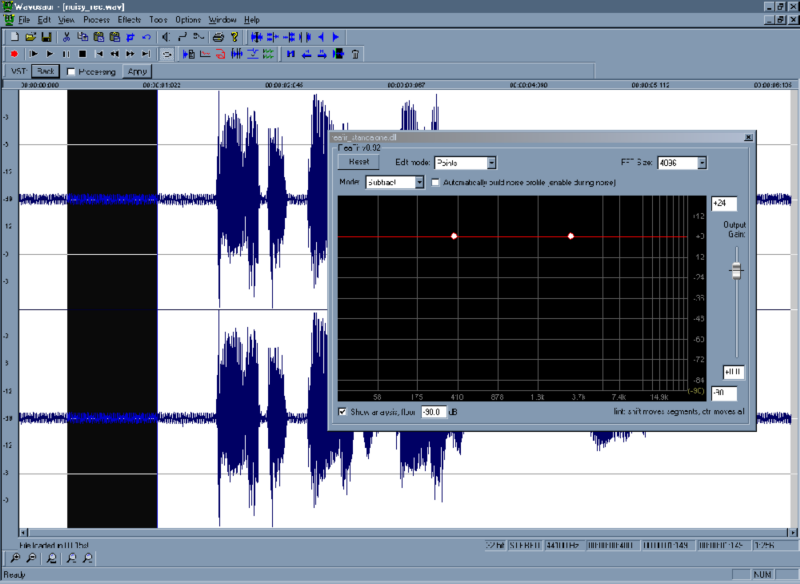
Find in your file a part where you can hear the noise only, select this noise part, try to have enough samples to get a good representation of the noise.


Building noise profile

4.

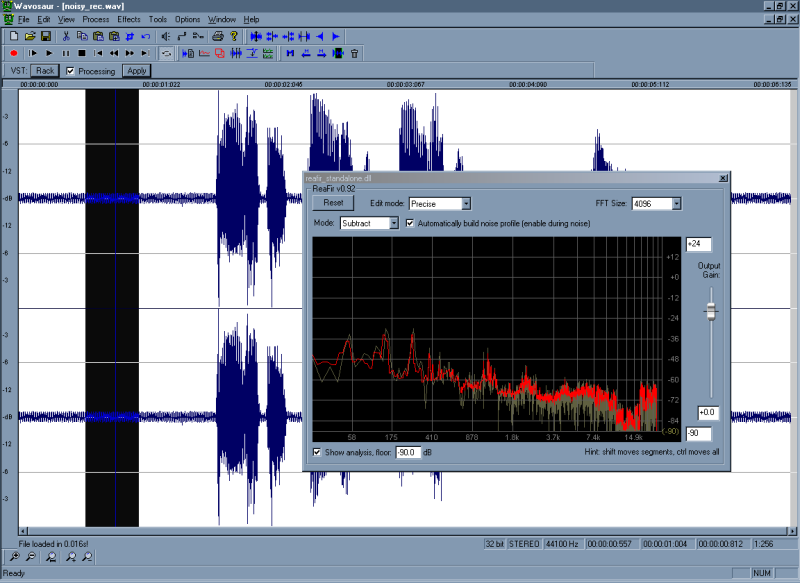
Check the "processing" checkbox in Wavosaur next to the Rack button, check the "automatically build noise profile" on the ReaFIR VST plugin : play the noise to get the noise profile. The noise profile is now displayed (in red).


Noise substracting in realtime

5.

Now uncheck the "automatically build noise profile". You can unselect the noise part on the wave file and play your sound : ReaFIR will perform the noise substraction.


adjusting noise substracting

6.

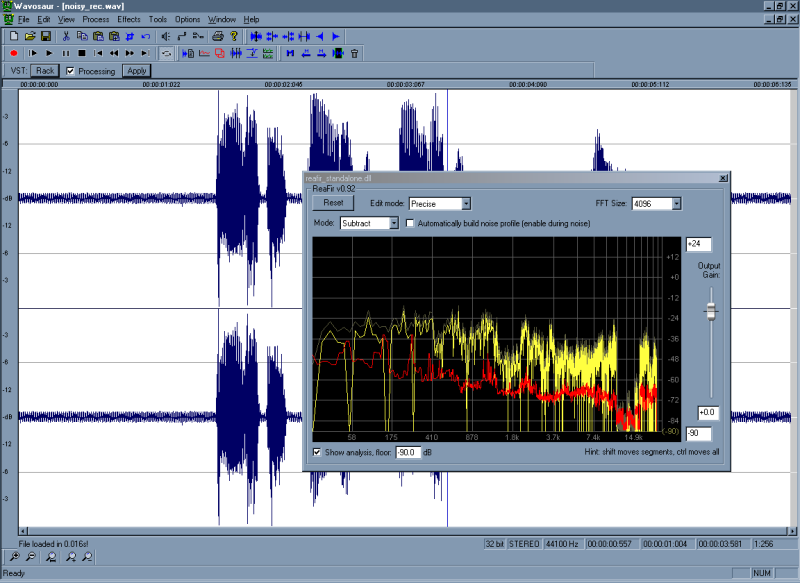
You can hold CTRL and click+drag the noise profile (in red) to raise or lower it, so you can adjust the level of the substraction : lower the noise profile to have less artefacts (but noise won't be completely removed, you have to find the just balance).
You can also hold SHIFT and click drag to change/edit to noise profile.


cleaned sample

7.

When you are satisfied with the results, click apply to process the file. The noise is removed from the original file.


Donation ? Licence ? Gratuit ?
by: braacq
May 13, 2008, 1:00 am

serious problem with Wavosaur( CPU load and flickering GUI)
by: musicus
May 12, 2008, 6:46 pm

Timestretching and Pitchshifting in high quality
by: youri
May 11, 2008, 11:53 pm

warning message
by: youri
May 11, 2008, 11:26 pm

Akai Samples
by: xpander
May 10, 2008, 12:11 pm

My Tracks
by: poivre
May 9, 2008, 11:59 am

Markers Limit
by: Exorcist
May 8, 2008, 1:57 pm

Huge, giant thanks...
by: Exorcist
May 8, 2008, 1:49 pm

VST Host flaw: resizable VST GUIs don't work
by: R.A.W.
May 6, 2008, 8:01 pm

feature requests - zoom and scroll related
by: iain
May 2, 2008, 3:44 pm

determine Bpm
by: THK
May 2, 2008, 3:21 pm

A surround plugin for Zoom H2
by: monkeybumper
May 1, 2008, 11:46 pm

Enregistrement multi-pistes
by: Rex
May 1, 2008, 11:43 pm

Keyboard Shortcuts and other questions
by: Rex
Apr 30, 2008, 10:56 pm

Free Guitar Amp VST, Free Maximizer VST
by: aradaz
Apr 30, 2008, 8:40 pm